1
2
3
4
5
6
7
8
9
10
11
12
13
14
15
16
17
18
19
20
21
22
23
24
25
26
27
28
29
30
31
32
33
34
35
36
37
38
39
40
41
42
43
44
45
46
47
48
49
50
51
52
53
54
55
56
57
58
59
60
61
62
63
64
65
66
67
68
69
70
71
72
73
74
75
76
77
78
79
80
81
82
83
84
85
86
87
88
89
90
91
92
93
94
95
96
97
98
99
100
101
102
103
104
105
106
107
108
109
110
111
112
113
114
115
116
117
118
119
120
121
122
123
124
125
126
127
128
129
130
131
132
133
134
135
136
137
138
139
140
141
142
143
144
145
146
147
148
149
150
151
152
153
154
155
156
157
158
159
160
161
162
163
164
165
166
167
168
169
170
171
172
173
174
175
176
177
178
179
180
181
182
183
184
185
186
187
| #!c:\python25\python.exe
# -*- coding: utf-8 -*-
import Image
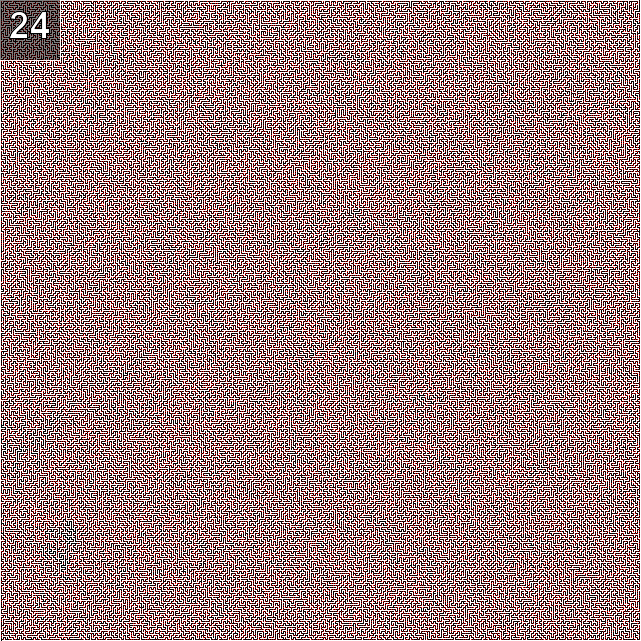
maze = Image.open('maze.png')
size = maze.size
tmp = Image.new('RGB', size, 'black')
'''
- 미로찾기 좌수법 알고리즘 -
왼쪽이 비어있으면 왼쪽 먼저,
왼쪽이 막혀있고 위쪽이 비어있으면 위쪽,
왼쪽, 위쪽이 막혀있고 오른쪽이 비어있으면 오른쪽,
전부 막혔을 경우, 전부 비어있을 경우 아래로 간다.
왼쪽이 비게되면 전부 비어있더라도 왼쪽 먼저 간다.
현재 진행 방향이 존재하기 때문에 위, 아래, 왼쪽, 오른쪽등
모든 경우에 대해 조사한다.
'''
def check_left(im, x, y, color): # 좌
data = im.getpixel( (x-1, y) )
if data[1] == color:
return 1
else:
return 0
def check_right(im, x, y, color): # 우
try:
data = im.getpixel( (x+1, y) )
if data[1] == color:
return 1
else:
return 0
except:
return 0
def check_forward(im, x, y, color): # 상
try:
data = im.getpixel( (x, y-1) )
if data[1] == color:
return 1
else:
return 0
except:
return 0
def check_backward(im, x, y, color): # 하
data = im.getpixel( (x, y+1) )
if data[1] == color:
return 1
else:
return 0
def check(im, now, x, y, color):
if now == 'up':
left = check_left(im, x, y, color)
right = check_right(im, x, y, color)
up = check_forward(im, x, y, color)
if left == 1:
now = 'left'
x -= 1
elif left == 0 and up == 1:
now = 'up'
y -= 1
elif left == 0 and up == 0 and right == 1:
now = 'right'
x += 1
elif left == 0 and up == 0 and right == 0:
now = 'down'
y += 1
elif now == 'down':
left = check_right(im, x, y, color)
right = check_left(im, x, y, color)
up = check_backward(im, x, y, color)
if left == 1:
now = 'right'
x += 1
elif left == 0 and up == 1:
now = 'down'
y += 1
elif left == 0 and up == 0 and right == 1:
now = 'left'
x -= 1
elif left == 0 and up == 0 and right == 0:
now = 'up'
y -= 1
elif now == 'right':
left = check_forward(im, x, y, color)
right = check_backward(im, x, y, color)
up = check_right(im, x, y, color)
if left == 1:
now = 'up'
y -= 1
elif left == 0 and up == 1:
now = 'right'
x += 1
elif left == 0 and up == 0 and right == 1:
now = 'down'
y += 1
elif left == 0 and up == 0 and right == 0:
now = 'left'
x -= 1
elif now == 'left':
left = check_backward(im, x, y, color)
right = check_forward(im, x, y, color)
up = check_left(im, x, y, color)
if left == 1:
now = 'down'
y += 1
elif left == 0 and up == 1:
now = 'left'
x -= 1
elif left == 0 and up == 0 and right == 1:
now = 'up'
y -= 1
elif left == 0 and up == 0 and right == 0:
now = 'right'
x += 1
return now, x, y
def extract():
x = 639 # 시작 x 좌표
y = 0 # 시작 y 좌표
now = 'down' # 시작 시 진행방향
zipdata = ''
count = 0
while 1:
count += 1
data = maze.getpixel( (x, y) )
if count % 2 == 0:
zipdata += chr(data[0])
now, x, y = check(tmp, now, x, y, 222)
if y == 640:
break
zipfile = open('output.zip', 'wb')
zipfile.write(zipdata)
zipfile.close()
def main():
x = 639 # 시작 x 좌표
y = 0 # 시작 y 좌표
now = 'down' # 시작 시 진행방향
while 1:
tmpx = x
tmpy = y
tmp.putpixel( (x, y), (222, 222, 222, 222) )
now, x, y = check(maze, now, x, y, 0)
print '(' + str(x) + ', ' + str(y) + ')'
data = tmp.getpixel( (x, y) )
if data[1] == 222 and data[2] == 222:
tmp.putpixel( (tmpx, tmpy), (0, 0, 0, 0) )
else:
tmp.putpixel( (x, y), (222, 222, 222, 222) )
if y == 640:
extract() # 저장해둔 길따라 다시 최단 거리로 재탐색
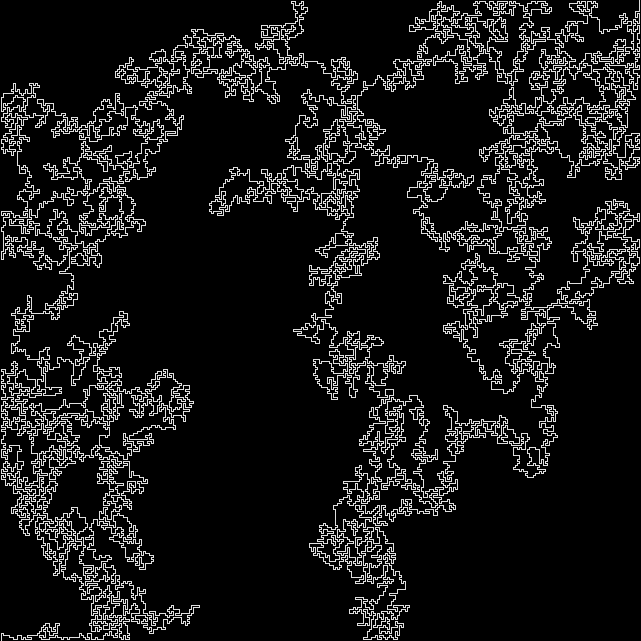
tmp.save('output.png')
tmp.show()
break
if __name__ == '__main__':
print '[+] Start'
main()
print '[+] End'
|